Ask Hermes about your Telegram chats on macOS
Import recent conversations into an encrypted archive on your Mac, then ask questions using a Venice private model or a local model.
Mordred connects Hermes to your own Telegram history. Ask what your team decided, find a message you remember, or summarize a recent conversation without manually copying chats into a prompt.
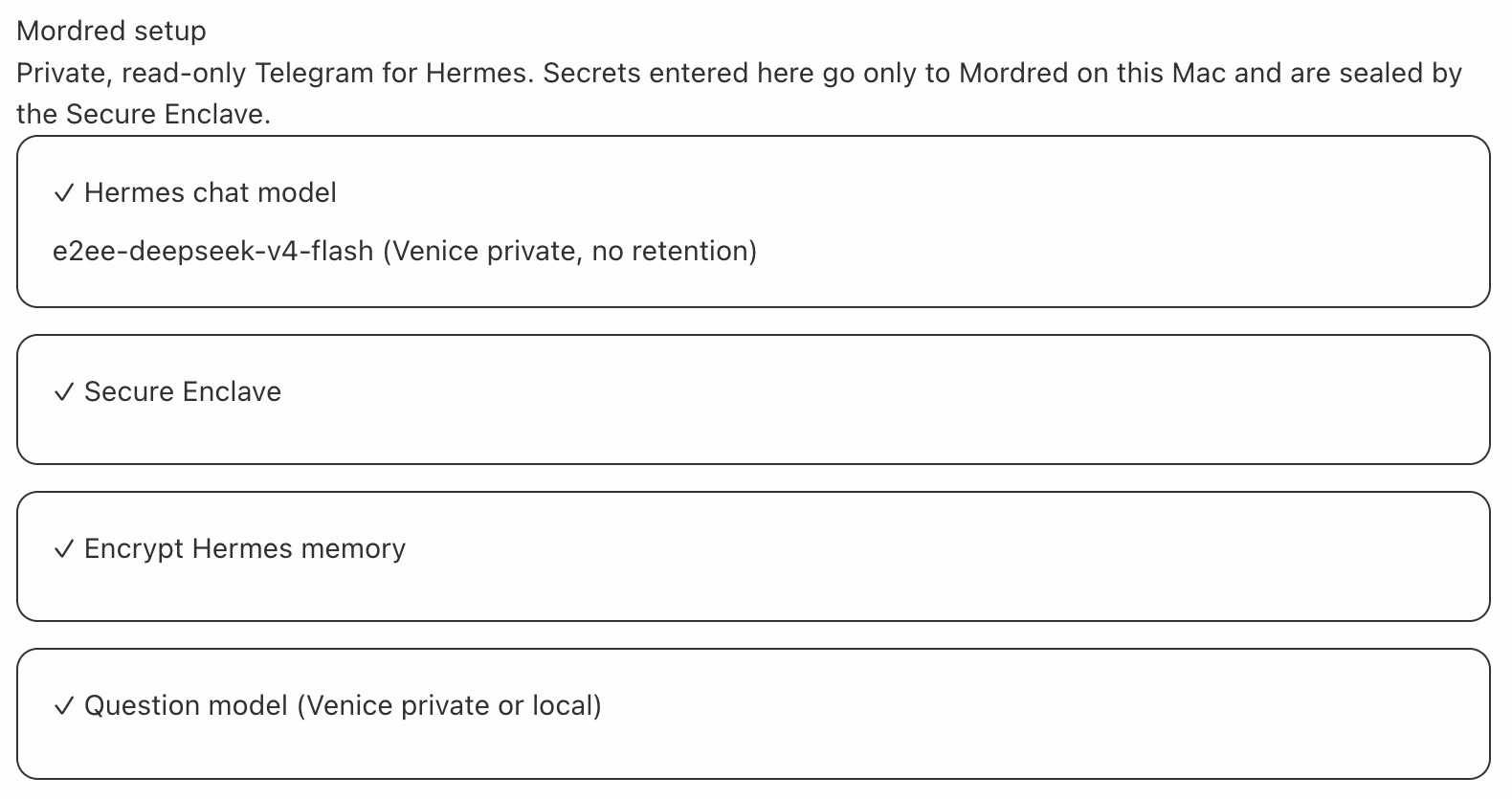
Choose what to import and where to ask
- Start with the last three days of messages, with pinned chats first. You can change the import period.
- Keep imported text encrypted on your Mac. Telegram session credentials are protected by the Secure Enclave.
- Choose a Venice private model or a model running on your Mac to answer questions about selected messages.
Read-only importing, with clear boundaries
Mordred blocks sending, editing and deleting messages during import. This is a restriction enforced by Mordred: Telegram itself grants a full account session. Secret chats and media files are not imported.
When you ask a question, relevant message text is processed by the model you selected. With Venice, that text leaves your Mac for the private model; a local model processes it on your Mac.
Get started in Hermes Desktop
Use a Mac with a Secure Enclave, install Mordred with Telegram support, and follow the AI setup guide. Enter your login code and optional two-step verification password only in Mordred → Connect Telegram. You can revoke the connection in Telegram’s Settings → Devices.