Ryodan Systems Releases Mordred as Open Source
Keys and memory never leave the encryption. Privacy and guardrails for AI chat and AI agents.
Ryodan Systems Releases "Mordred" as Open Source: Put Sensitive Information into AI Without Fear
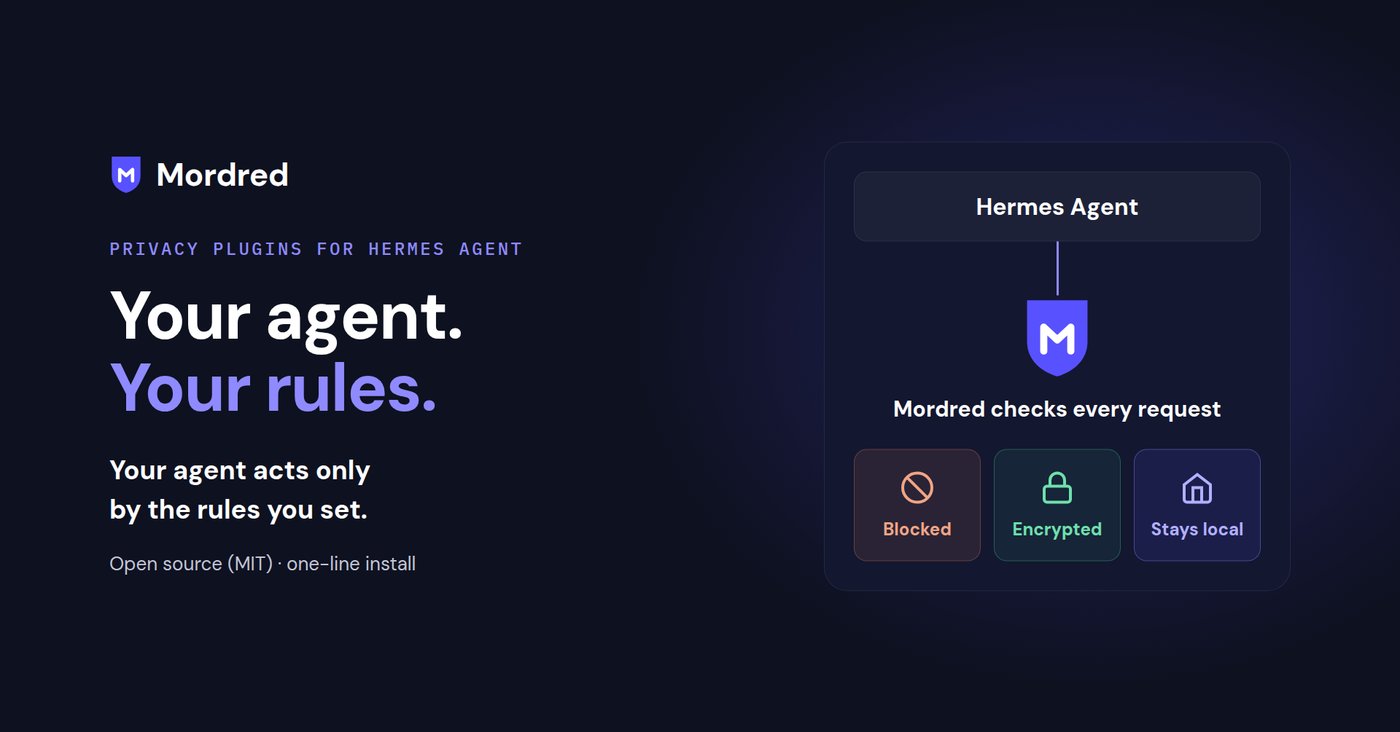
Ryodan Systems AG (headquartered in Zug, Switzerland; CEO: Leona Hioki) today released "Mordred," a privacy-protection plugin bundle for the open-source AI agent "Hermes Agent." Mordred is published as MIT-licensed open source on GitHub and PyPI and can be installed with a single command.
AI agents read files, search the web, and call external AI models on behalf of the user. In the process, confidential information such as sensitive personal data, internal documents, conversation history, and credentials risks being sent to destinations the user never intended. Mordred, as an agent plugin, enforces encryption of communication, memory, and AI inference. The rules are decided in the plugin's code, not in the prompt. As a result, no matter how the agent is instructed via prompts, it cannot bypass the rules.
Mordred's Three Guarantees
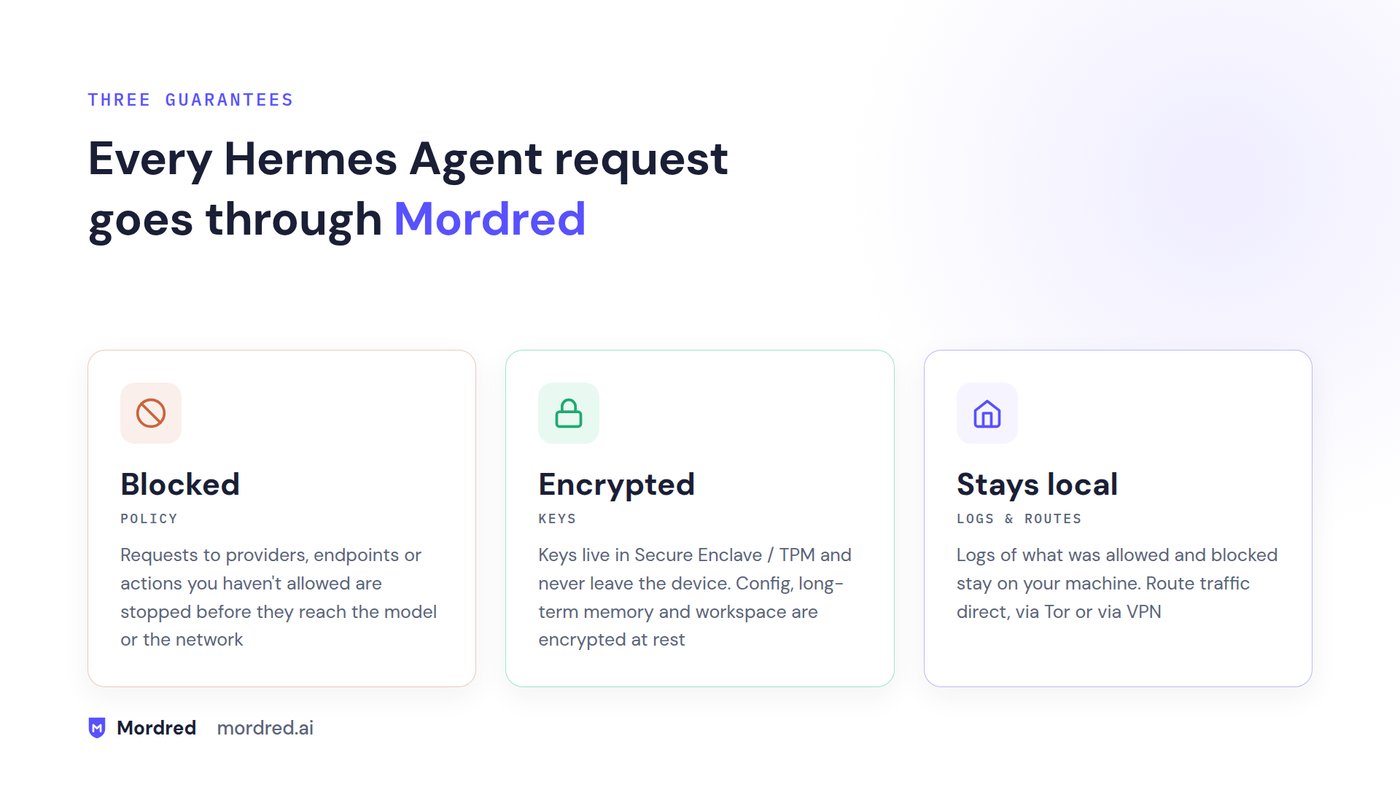
Every Hermes Agent request goes through Mordred. Mordred always guarantees the following three things.
| Function | Description |
|---|---|
| Block | Requests to providers, destinations, or actions you have not allowed are stopped before they reach the model or the network. |
| Encrypt | Keys are stored in the Secure Enclave (macOS) or TPM 2.0 (Linux) and never leave the device. Configuration, the agent's long-term memory, and the workspace are stored encrypted. |
| Stay local | Logs of what was blocked stay on your machine. The network route can be chosen from direct connection, Tor, or VPN. |
Six Plugins, One Install
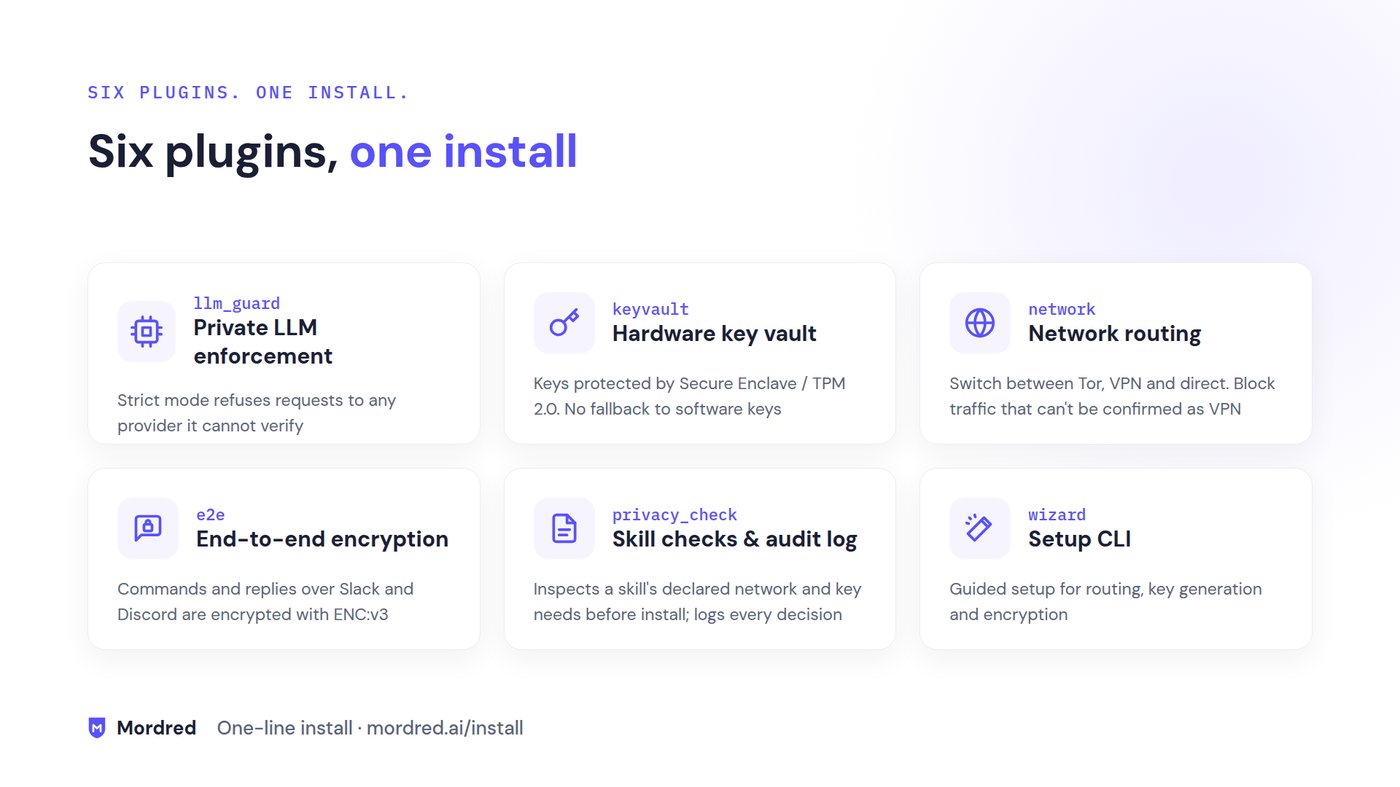
Mordred consists of six components, all installed together with a single command. Each setting can be changed individually afterward.
| Plugin | Role |
|---|---|
| llm_guard (private LLM enforcement) | In Strict mode, refuses to send to any provider it cannot verify. Can be configured to use only Venice private models or local models. Tool use is also heavily restricted. |
| keyvault (hardware key management) | Protects keys with Secure Enclave / TPM 2.0. No fallback to software keys. |
| network (network route control) | Switches between Tor / VPN / direct connection. Can be configured to block any traffic that cannot be confirmed as going through the VPN. |
| e2e (end-to-end encryption) | Encrypts instructions to and replies from the agent over Slack and Discord with ENC:v3. |
| privacy_check (skill inspection and audit log) | Inspects the network and key requirements that an external skill declares before installation, and records policy enforcement and the operation history. |
| wizard (setup CLI) | Interactive setup for choosing the network route, generating keys, and enabling encryption. |
What Mordred Never Does
Mordred decides clearly, in advance, what it will not do.
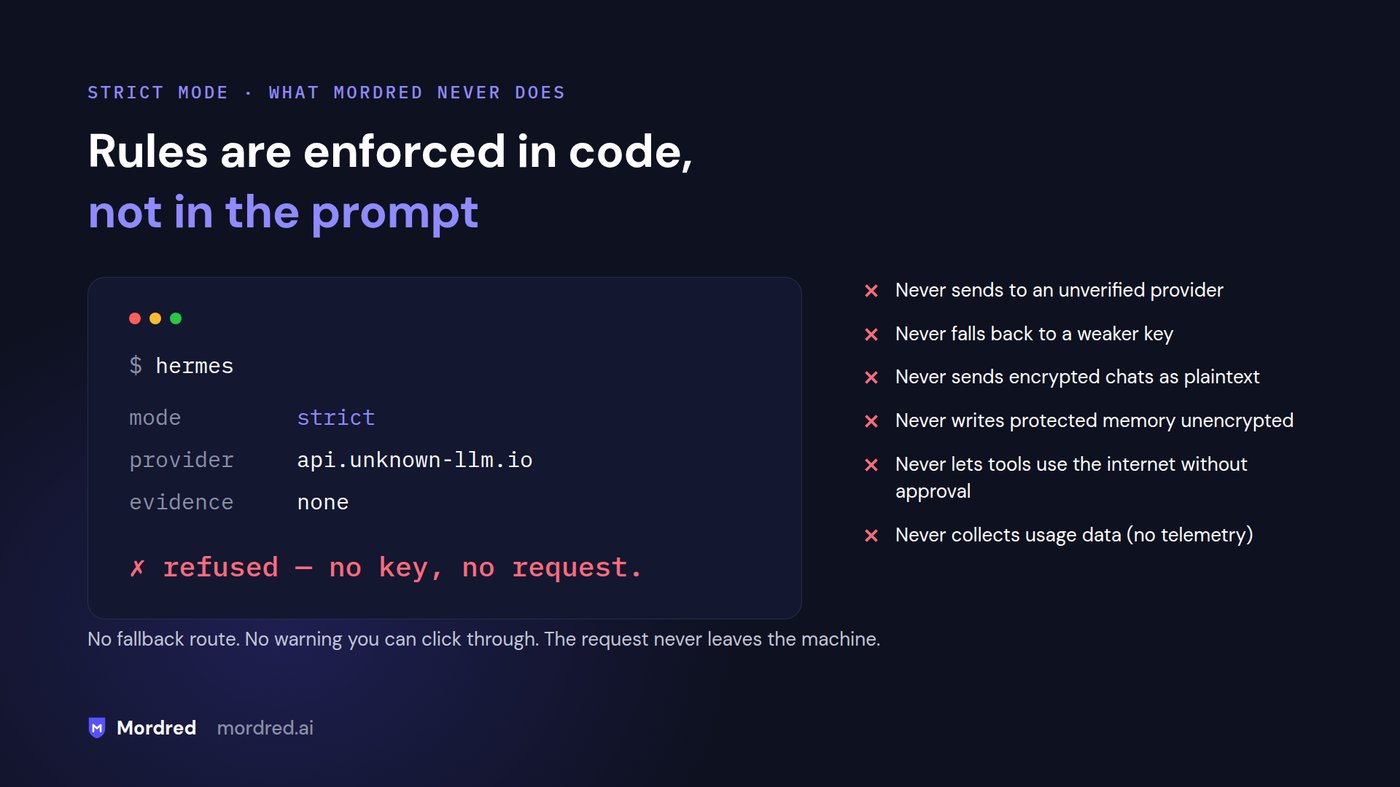
- Never sends to an unverified provider: models are limited to AI with strong privacy guarantees, and unconfirmed internet communication during tool use is controlled.
- Never falls back to a weaker key: a Secure Enclave or TPM is required.
- Never sends encrypted chats as plaintext: Slack and Discord messages are sent encrypted.
- Never writes protected memory unencrypted: if it cannot encrypt, it stops the write itself.
- Never lets tools use the internet without approval: by default, any internet use other than web search requires approval before execution.
- Never collects usage data: there is no telemetry. Nothing is sent to the developer.
Intended Use Cases
- Business use: summarize contracts and internal documents, or draft customer correspondence containing names and addresses, sending them only to approved providers.
- Server administration: investigate production logs containing IP addresses and tokens only over the route you chose. Inspect external automation skills before installing them.
- Personal use: send questions about health, money, or family only to the private model or local model you chose. Import Telegram conversations into an encrypted archive and ask the agent about them.
Try It in Your Browser: The "Lab"
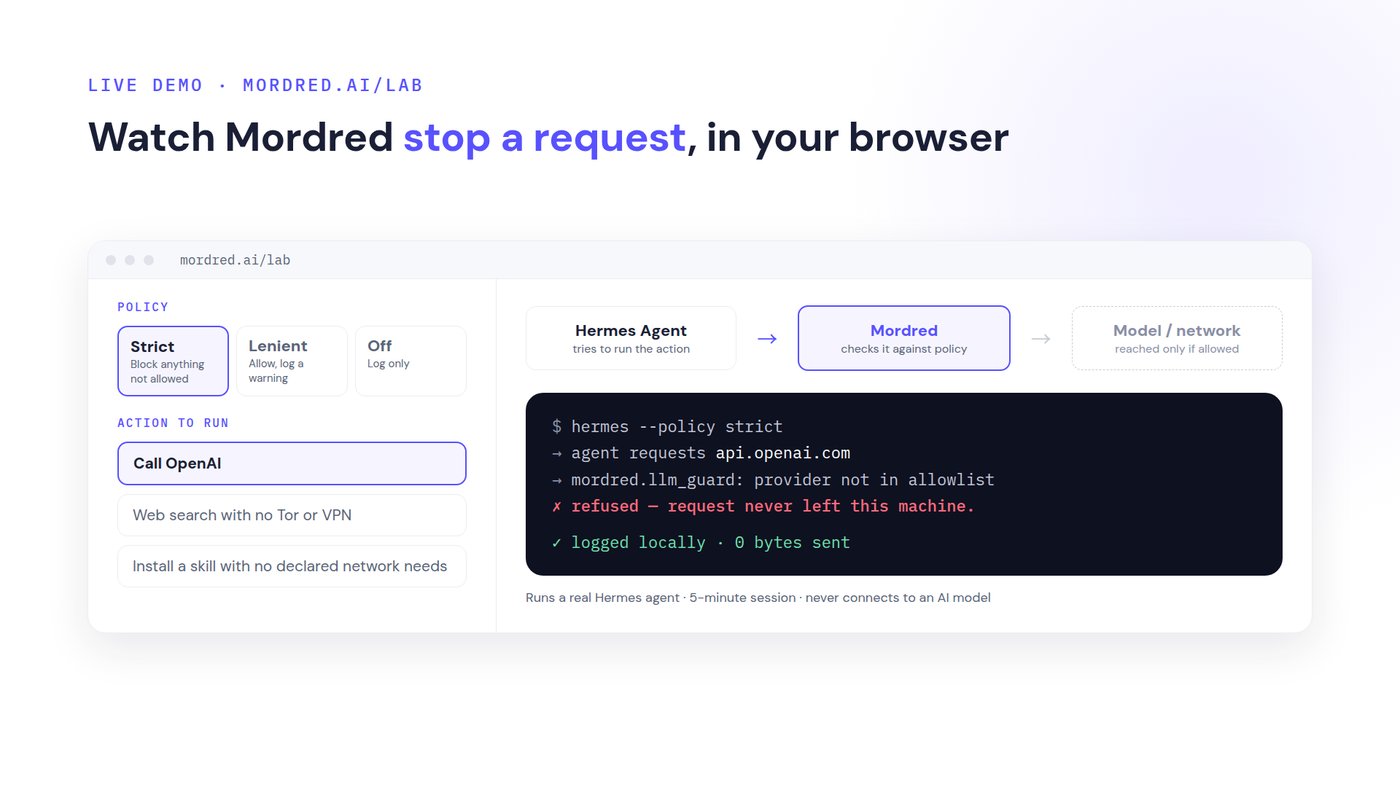
In the Lab on the website (https://mordred.ai/lab), you can have a real Hermes agent run an action and see in your browser how Mordred rules on it before it reaches the model or the network. Simply choose a policy (Strict / Lenient / Off) and an action (calling a provider that is not allowed, a web search with neither Tor nor VPN, and so on); no installation is required. You can also try encrypting and decrypting a file, and watch a tampered copy get rejected.
Get Started in Four Steps
- Install: add the Mordred plugins to Hermes with a single command
- Set up: choose a network route and generate keys (hermes-mordred setup)
- Check: confirm which features are enabled and which are not (hermes-mordred status)
- Run: use Hermes as usual, and you are protected
The current version is an alpha release (v0.2.0a0) and supports macOS and Linux. Encrypted AI chat from Slack via a browser extension is also supported.
Comment from the CEO, Leona Hioki
"In most cases, we are not getting the most out of AI chat and agents, whether in our private lives or at work. That is because handing everything over, or telling it everything, feels risky, and we hold back. Once you try Mordred, that limit is lifted, and you come face to face with what AI can really do. Please experience a new sensation, and a new experience."
Company Overview and Contact
- Company: Ryodan Systems AG
- Headquarters: Zug, Switzerland
- CEO: Leona Hioki
- Business: Development of blockchain and cryptography technology
- Mordred (GitHub): https://github.com/mordredagent/hermes-mordred
- Website: https://mordred.ai
Media contact
Ryodan Systems, PR: Mai Fujimoto. Email: contact@mordred.ai